403 error when using Try It!
When it occurs: Clicking Try It! on an endpoint immediately returns a 403 error after a spec has been successfully uploaded.
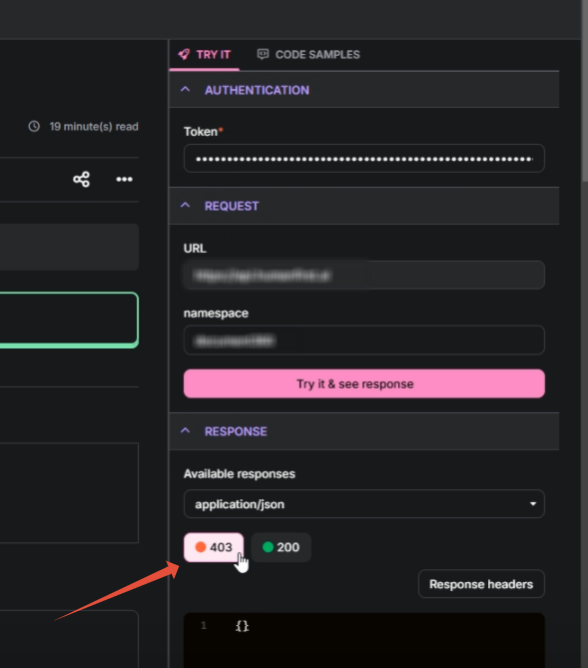
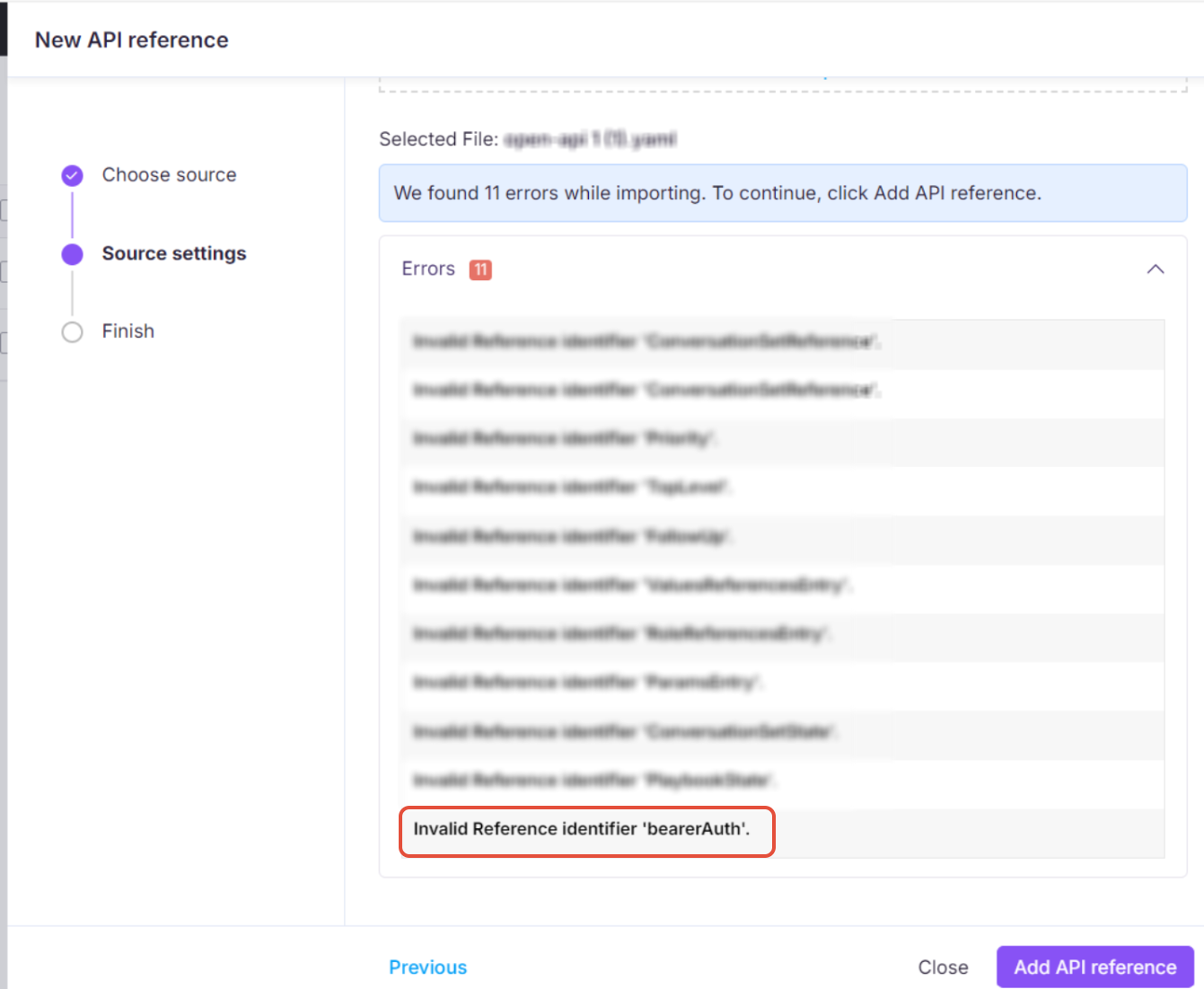
Why it happens: The spec is missing a definition for the BearerAuth security mechanism under components/securitySchemes.
How to fix it:
- Check your spec for a
BearerAuthsecurity scheme definition undercomponents/securitySchemes. - If it is missing, add it:
   components:
     securitySchemes:
       BearerAuth:
         type: http
         scheme: bearer
- Re-upload the spec.
- During import, check the Alerts section for any warnings related to Bearer Authentication and address them.
401 Unauthorized error from incorrect server URL
When it occurs: API requests return a 401 Unauthorized response when using Try It! or when making direct API calls.
Why it happens: The wrong region-based server URL is being used. For example, sending a request to https://api.yourdomain.com when the correct endpoint is https://api.us.yourdomain.com will cause authentication failures because the region-specific endpoint validates credentials differently.
How to fix it:
- Confirm you are using the correct region-based URL for your account.
- Ensure the correct client ID and client secret are being used with that URL.
- Verify the authentication token is correctly included in the request header.