Incorrect HTML styling in API response
When it occurs: When retrieving article HTML content via the API, the rendered output displays with broken styling or misplaced quotes.
Why it happens: API responses are formatted in JSON, which uses escape characters (for example, \") to handle certain characters safely. If these escaped characters are not converted back (unescaped) before rendering, the HTML structure breaks.
For example, a paragraph like:
<p>This is a "sample" paragraph.</p>
May appear in the JSON response as:
"<p>This is a \"sample\" paragraph.</p>"
How to fix it:
- Retrieve the HTML content via the API and inspect the response.
- Look for escaped characters in the JSON response, such as:
\"(escaped double quotes)\\(escaped backslashes)\n(newline)\t(tab)
- Unescape the JSON content before rendering it. This restores the original HTML structure.
- Verify the styling after unescaping to ensure the content appears correctly.
- If the issue persists, check if additional modifications in your code are altering the API response.
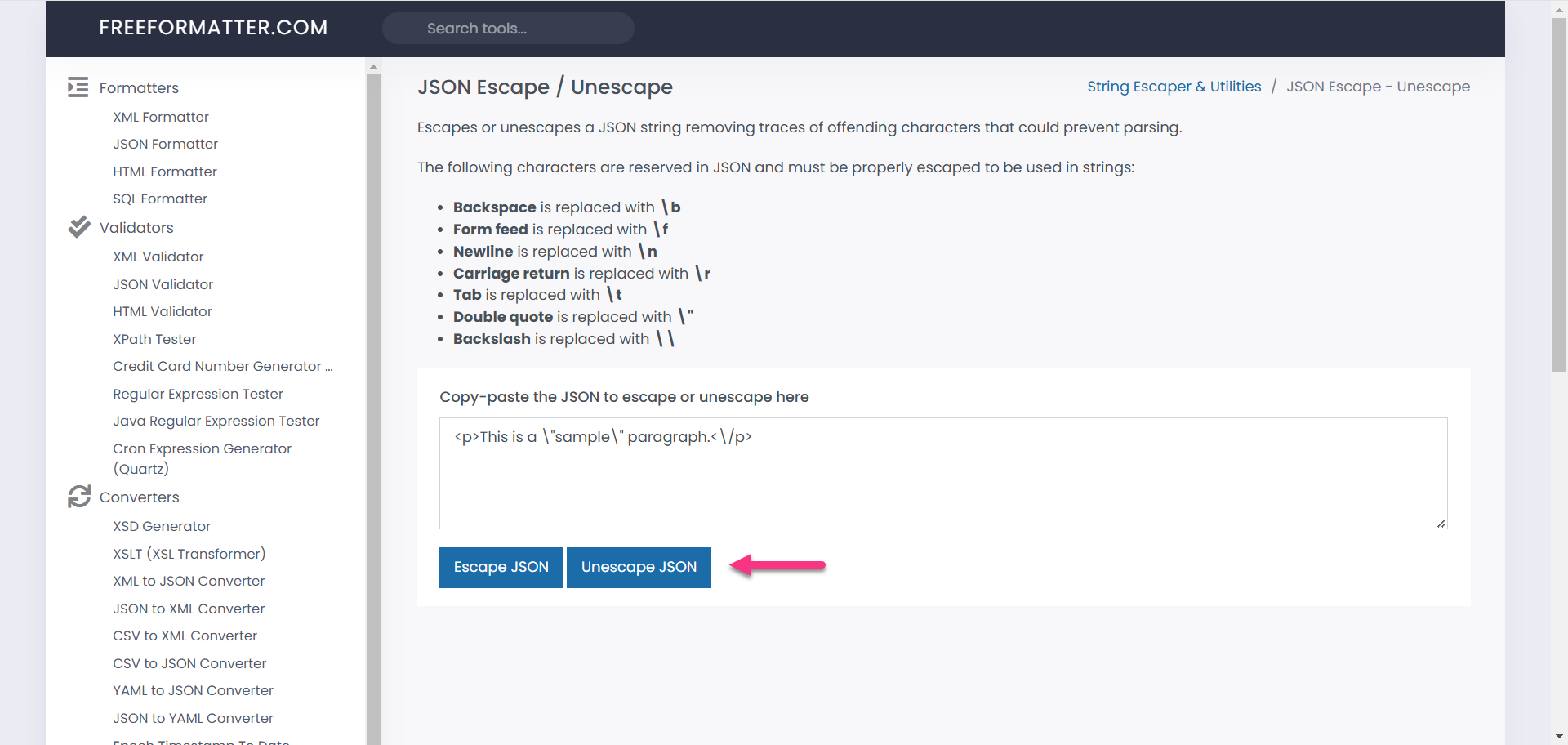
Once unescaped properly, the HTML will display as expected, preventing styling discrepancies.
Variables and snippets not rendering in API response
When it occurs: When retrieving article content via the API, variables appear as unprocessed placeholders — for example, {{variable.UserName}} instead of the actual value.
Why it happens: The isForDisplay parameter is not set correctly in the API request.
- When
isForDisplay = true: variables and snippets are fully rendered in the response, and placeholders are replaced with actual values. - When
isForDisplay = false(or not set): the response contains unprocessed placeholders, which are not suitable for direct display.
How to fix it:
- Retrieve the article content via the API and inspect the response.
- Check if variables or snippets appear unprocessed in the response.
- Ensure the API request includes
"isForDisplay": true. Example request:
   {
     "articleId": "your-article-id",
     "isForDisplay": true
   }
- Send the modified request and verify the API response now displays correctly rendered variables and snippets.
- If the issue persists, ensure that the system processing the API response handles and displays the rendered content properly.
✅ IMPORTANT
When updating articles via the API, do not pass fully rendered content back. This would replace dynamic placeholders with static values, breaking future rendering.