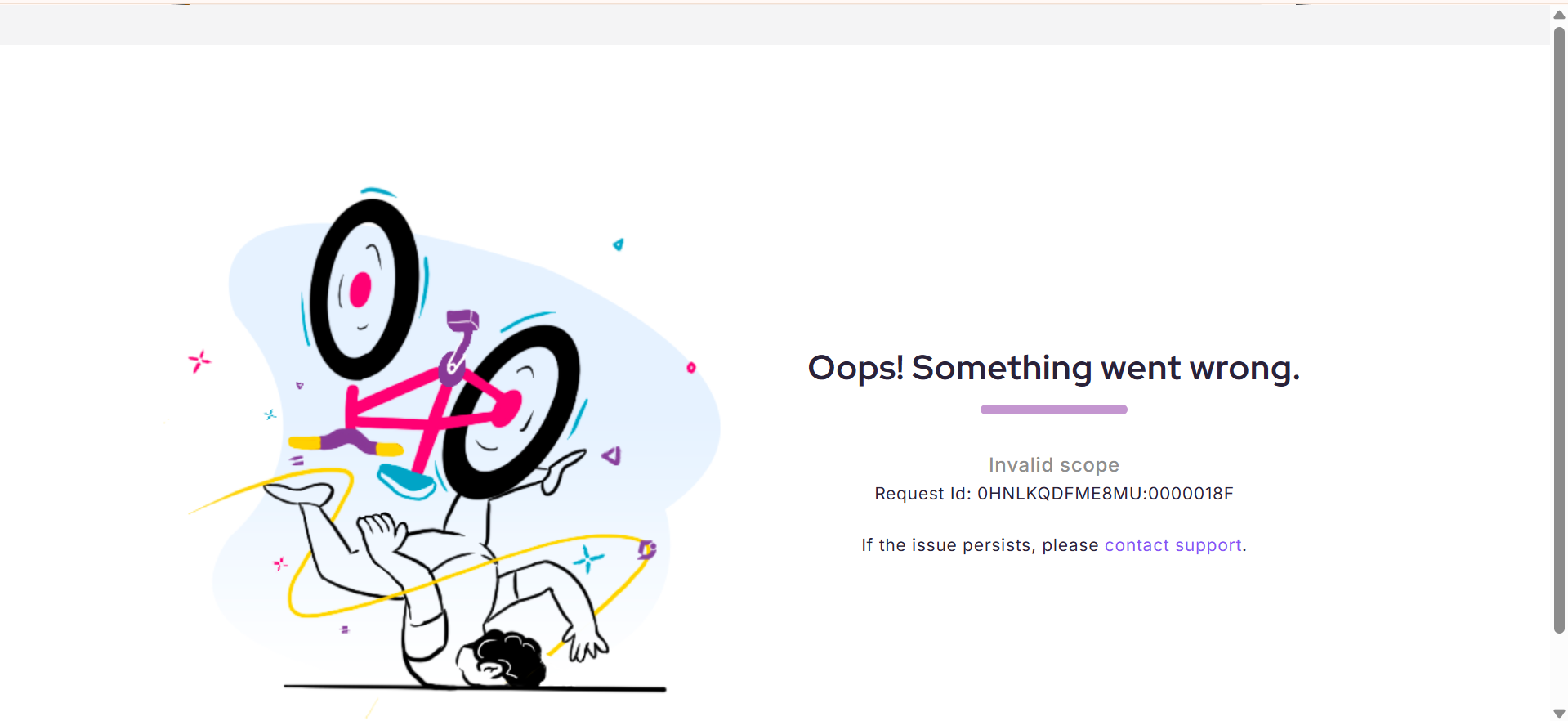
“Invalid scope” error while connecting Document360 MCP to ChatGPT using a custom connector
Ensure that the OIDC enabled option is unchecked under Advanced settings while creating the custom connector app in ChatGPT. Leaving this option enabled can result in an “Invalid scope” authorization error during the connection flow.
The following example shows the authorization error that can occur when OIDC remains enabled: