The Import domains feature lets you add more than five domain restrictions to your reader self-registration settings in a single operation using a CSV file. You can import up to 500 domains at once and apply a single restriction type (Allow or Block) to all imported domains.
When to import domains
- You need to add more than 5 domain restrictions at once.
- You have a prepared list of domains ready in a spreadsheet and want to avoid entering them one by one.
Before you begin
- You must have the Admin or Owner portal role, or a custom role with Manage user permission.
- The Enable reader self-registration toggle must be turned on.
- Prepare a CSV file using the Document360 template (downloaded during the import flow). Do not modify the column headers.
How to import multiple domains
-
Navigate to Settings () > Users and security in the left navigation bar of the knowledge base portal.
-
In the left navigation pane, navigate to Readers & groups > Readers.
-
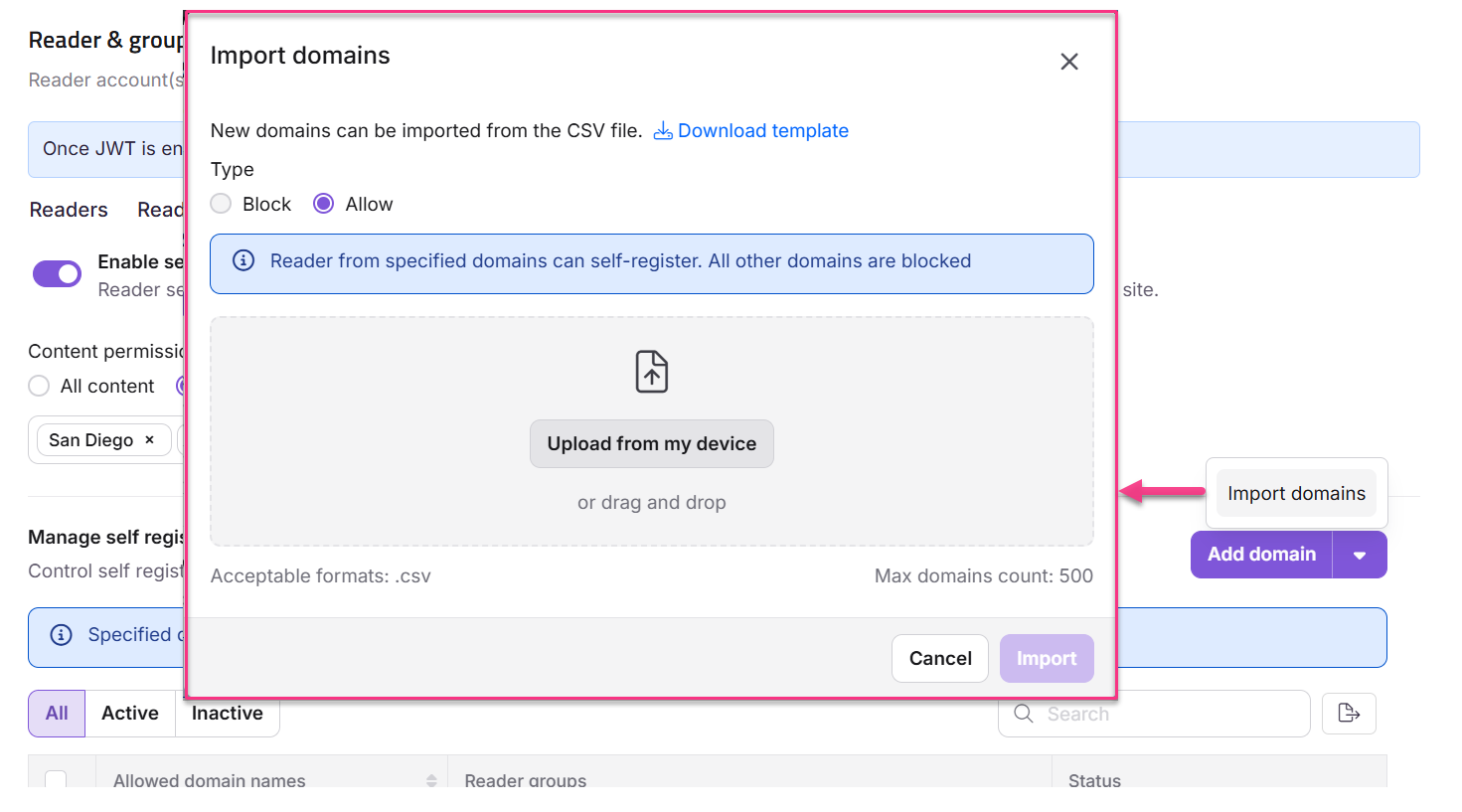
Click the dropdown next to Add domain and select Import domains.
The Import domains panel appears.
-
Click Download template to get the sample CSV template.
-
Upload the CSV file using one of the following methods:
a. Upload from my device: Select the CSV file from your local file explorer.
b. Drag and drop: Drag and drop the CSV file into the designated area.
NOTE
You can import up to 500 domains at once.
-
A validation summary displays:
- Valid Domains: Number of valid entries.
- Invalid Domains: Number of invalid entries. Click the Download () icon to view details of the invalid entries.
-
Select the restriction type: Block or Allow.
-
Click Import.
Considerations
| Item | Detail |
|---|---|
| Maximum domains per import | 500 |
| File format | CSV only. Use the Document360 template — custom formats are not supported. |
| Restriction type | A single restriction type (Block or Allow) applies to all domains in the import batch. Split into separate imports if you need different restriction types. |
| Reader group mapping | Reader group mapping is not available during bulk import. Add domain-specific group mappings individually after import using Edit a domain restriction. |
Best practices
- Always use the downloaded CSV template. Uploading a file with different column headers or formatting will cause validation errors.
- Review the validation summary before confirming the import. Download the invalid entries list, fix the errors, and re-upload if needed.
- If you need to import domains with different restriction types, split them into separate import operations — one for Allow domains and one for Block domains.