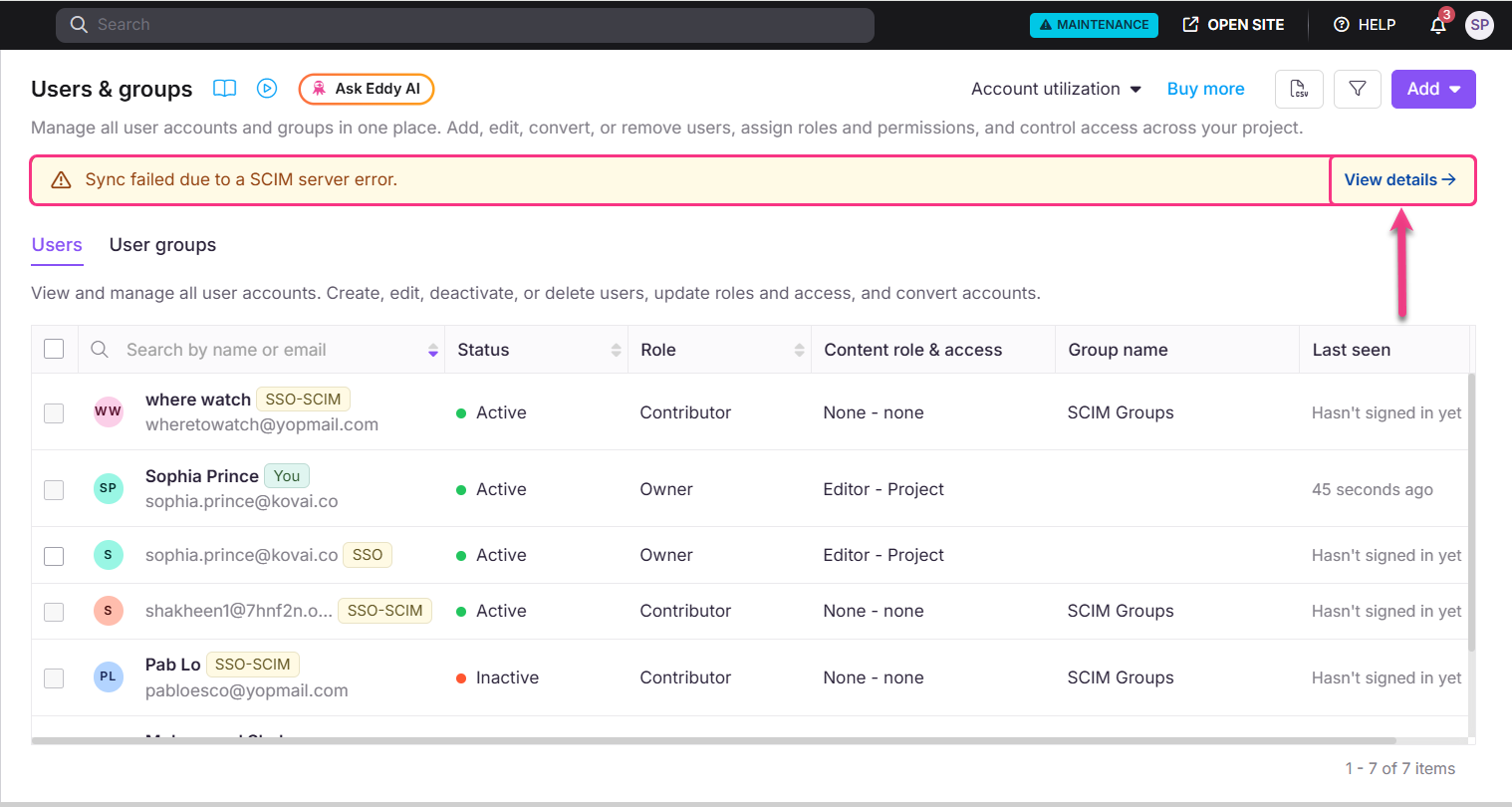
Sync failed due to a SCIM server error
When adding new users from Okta or Entra, this error indicates that one or more users could not be synced to Document360. This may be caused by:
Duplicate users provisioning
User limit reached based on your current subscription plan
Other validation or processing errors.
Click View details to see which users failed to sync.
User already available in the project
If SCIM returns a "user already available in the project" error, it means the email address is already registered as a User in Document360. If your intent is to convert them to a Reader, follow these steps:
In your IdP, locate the user's profile and navigate to the
isTeamAccountattribute.Set
isTeamAccount = True, this lets the system recognize the existing email as a User.Save the changes and allow the sync to complete. Once synced, go back to the user's profile in your IdP.
Set
isTeamAccount = False, this converts them to a Reader automatically.Save the changes and allow the sync to complete.
To verify, navigate to Document360 > Settings > Users & permissions > Readers & groups and confirm the user now appears as a Reader.
SCIM group is manually deleted in Document360
If a SCIM-provisioned group is manually deleted in Document360, re-pushing the same group from your IdP will fail because the group no longer exists on the application side.
To resolve this:
Remove or unlink the affected group from your IdP.
Sync the group again from the IdP to create it fresh in Document360.
Avoid deleting SCIM-managed groups directly in Document360. Always manage SCIM groups from your IdP to avoid sync issues.
Disabling and re-enabling SCIM does not automatically restore groups that were previously synced. If any SCIM-managed groups were deleted while SCIM was disabled, you must push those groups again from your IdP.
NOTE
If your user license limit has already been reached, re-syncing or re-pushing groups may fail because group linking depends on successful user provisioning. Before re-syncing groups, make sure your user limit has available capacity.