Private notes are an internal content feature that allow project team members and specific reader groups to see content hidden from the general public. Private notes are visible only to logged-in team members and never appear to readers on the knowledge base site.
Private notes are ideal for internal reminders, review comments, and editorial instructions placed directly within article content.
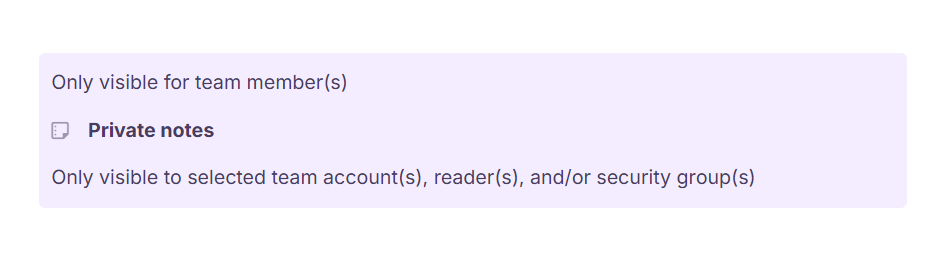
When can you use private notes
- Leave a note asking a subject matter expert to verify a specific claim or step before the article is published
- Flag a section that needs to be revisited when a new product version is released, without disrupting published content
- Provide background information or source references inside the article that are only relevant to the documentation team
- Leave instructions for the next person in the review workflow about what still needs to be done
- In a Private or Mixed mode knowledge base, use reader group visibility to surface notes only to a selected audience, such as beta users or internal teams
Insert a private note
- Type
/Private noteand pressEnter. - A private note block is inserted at the cursor's position. Click inside it to add your content.
After inserting, click the private note to access the floating menu:
| Option | Description |
|---|---|
| Visibility settings | Control who can see the private note. |
| Copy | Copies the private note content. |
| Delete | Removes the private note from the article. |
Visibility settings
By default, private notes are visible to all team members. You can restrict visibility further using the Visibility settings option.
- Click the private note to open the floating menu.
- Click the Visibility settings icon.
- A panel appears with the following options:
- All — Visible to all logged-in team members.
- Security groups — Select specific team account groups from the dropdown to restrict visibility to those groups only.
- Reader groups — Applies only to Private and Mixed mode knowledge bases. Select specific reader groups who should be able to see the note.
Delete a private note
Click the private note and select the Delete icon from the floating menu.
Private notes cannot be deleted from a published article. Click Edit on the article first to enter edit mode before deleting.
Private notes in PDF exports
When readers download an article containing a private note via the Download as PDF option on the knowledge base site, the private note is not included in the exported file.
If a reader uses their browser's Print or Save as PDF function instead, the private note will be included in the output. Advise team members to use the knowledge base's built-in PDF download option to avoid exposing private notes.
Best practices
- Keep private notes short and actionable — they are internal communication tools, not places for lengthy documentation.
- Always include the name or role of the intended recipient in the note so team members know who the comment is directed at.
- Remove or resolve private notes before considering an article complete. Leaving stale notes in published articles creates confusion for future editors.
- Use the Security groups visibility setting to limit notes to only the relevant team members, especially in large teams where not all members need to see every note.
- Do not put sensitive or confidential information in private notes if there is any risk of the article being printed or saved as PDF via the browser — use a secure internal channel instead.
FAQ
Are private notes included in PDF exports?
When readers use the knowledge base's built-in Download as PDF option, private notes are excluded. However, if a browser's Print or Save as PDF function is used, private notes will be included in the output.
Who can see private notes?
By default, all logged-in team members can see private notes. You can restrict visibility to specific security groups or reader groups (for Private and Mixed mode knowledge bases) using the Visibility settings.
Can I delete a private note from a published article?
No. You must click Edit on the article first to enter edit mode before you can delete a private note.